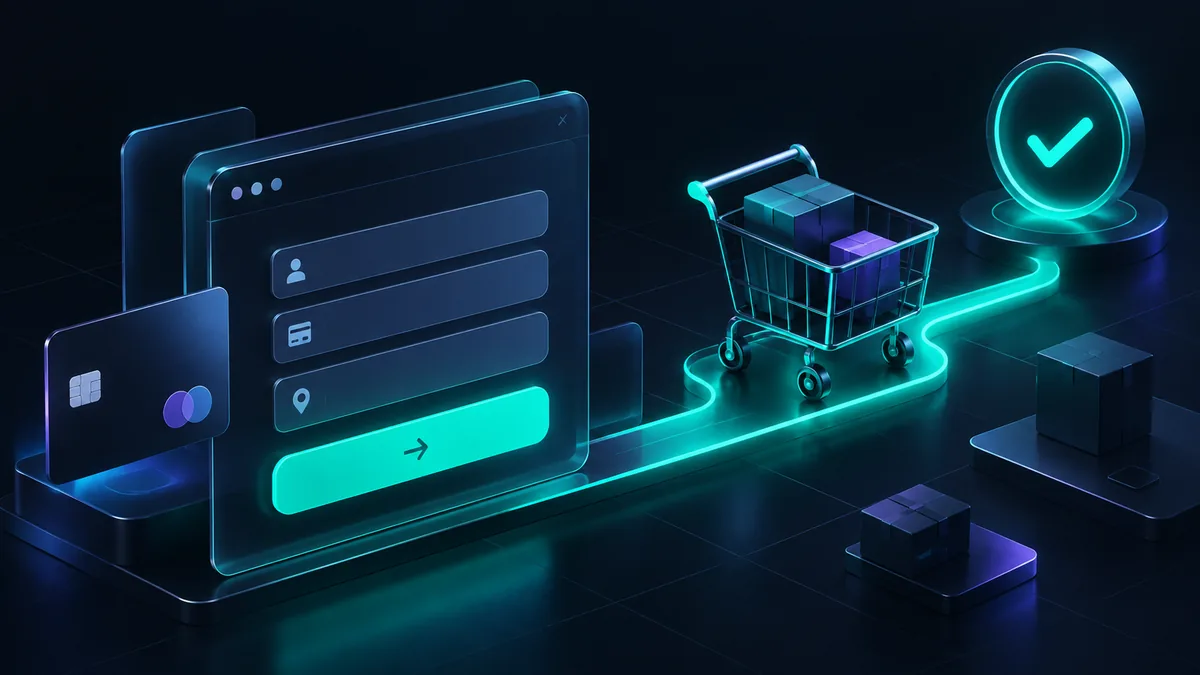
WooCommerce payment gateways are the plugins that connect your store's checkout to a payment provider, so customers can pay by card, wallet, bank transfer or instalments and the money reaches your bank account. The right choice depends on where your customers are, which payment methods they expect, how the provider charges, and how quickly it pays you out.
We have built and fixed WooCommerce checkouts for stores in several countries, including Saudi Arabia and the wider GCC. Most checkout problems we see are not caused by the provider. They come from picking one without comparing the right things, or from setup steps that were skipped. This guide covers both.
What a payment gateway does in WooCommerce
A payment gateway is the service that securely captures payment details, sends them for authorization, and tells your store whether the payment succeeded. In WooCommerce, each gateway is added as a plugin or extension and then appears in the WooCommerce payment settings, where you enable it and enter your API keys.
Three roles are usually involved, even when one company handles all of them:
- The gateway: the technical connection between your checkout and the payment networks.
- The processor or acquirer: the institution that processes the transaction and settles the funds to you.
- The merchant account: where your funds sit before payout. Some providers give you your own account, others group many merchants under theirs.
WooCommerce also ships with offline methods such as direct bank transfer, check payments and cash on delivery. They need no provider, but every order needs manual checking before you ship.
What to compare before you choose
1. Fee model
Do not compare only the headline percentage. Providers price in different ways, and your real cost depends on your order mix. Check:
- The per transaction fee: a percentage, a fixed amount, or both.
- Different rates for local cards, international cards, wallets and instalment payments.
- Currency conversion charges if you sell in more than one currency.
- Setup, monthly or minimum volume fees.
- Refund fees, and whether the original fee is returned when you refund.
- Chargeback fees.
Take last month's real orders and calculate what each shortlisted provider would have cost. A fixed fee per transaction hurts a store with many small orders far more than one with a few large orders.
2. Payout timing
How long is the gap between a customer paying and the money reaching your bank? It varies by provider, by country and often by how new your account is. New accounts can face a rolling reserve or a longer initial payout delay. For a store with tight cash flow, payout timing can matter more than a small fee difference. Ask for it in writing before you sign.
3. Supported payment methods
The best gateway is the one that accepts what your customers actually use. Depending on your market that may include Visa and Mastercard, local debit schemes, Apple Pay, Google Pay, PayPal, bank transfers or buy now pay later. Missing a popular local method loses sales at the last step, exactly when intent is highest.
4. Checkout experience
There are 2 broad setups. An on site checkout keeps the customer on your store, with card fields embedded in the page. A hosted or redirect checkout sends them to the provider's page and back. On site usually feels smoother, while hosted pages can reduce your security scope. Either works if it is fast, mobile friendly and clearly branded.
Also check that the gateway supports the WooCommerce checkout you use. The block based checkout and the older shortcode checkout are built differently, and not every payment plugin supports both.
5. Fraud and security tools
- 3D Secure support for card authentication, which many markets and banks require.
- Fraud screening rules or risk scoring you can adjust.
- Clear chargeback handling and a way to submit evidence.
- Tokenization, so your store never stores raw card numbers.
6. Plugin quality and support
A good provider with a neglected plugin is still a bad choice. Check when the plugin was last updated, whether it is compatible with your WooCommerce version and with features such as High Performance Order Storage, and whether it supports refunds from the WooCommerce admin and subscriptions if you need them. Send support a technical question before you sign up and see how fast and how well they answer.
Common gateway options
For stores selling internationally, the usual starting points are Stripe, PayPal and WooPayments, each with an official WooCommerce extension. Availability, supported methods and pricing differ by country, so check each one against where your business is registered, not only where your customers are. Many stores run 2 gateways: one main card processor, with PayPal or a buy now pay later option alongside it.
Payment gateways in Saudi Arabia and the GCC
If you sell in Saudi Arabia or the wider Gulf, a gateway that works well for Europe or the US may not be enough on its own. Shoppers in the region have clear expectations at checkout.
Mada cards
Mada is Saudi Arabia's national payment network, and Mada debit cards are very common among local shoppers. Many Mada cards are co-badged with Visa or Mastercard, but you should not assume every Mada card will work through a generic international processor. If Saudi customers are a real part of your market, choose a provider that explicitly supports Mada, and show the Mada logo at checkout so shoppers know their card is accepted.
Buy now pay later
Buy now pay later is widely used across the region, and Tabby and Tamara are 2 of the best known providers. They let customers split a purchase into instalments while the provider pays the store. For higher value baskets such as electronics, furniture and fashion, offering one of them can help reduce checkout abandonment. Check each provider's merchant requirements, fees, supported countries and WooCommerce integration directly with them, since these details change.
Regional processors
Regional payment companies such as HyperPay, Moyasar and PayTabs focus on the Middle East and generally support local payment methods alongside international cards. They belong on the shortlist for any GCC store. Compare them on the same criteria as above: fees, payout timing, Mada and wallet support, plugin quality, and support available in your time zone and language.
Other things to check in the GCC
- Apple Pay is widely used on mobile, so confirm your provider supports it on the web and complete any domain verification it requires.
- Price in the local currency, such as SAR or AED, to avoid conversion surprises for the customer.
- Expect providers to ask for a registered business, commercial registration documents and a local bank account. Start onboarding early, because document review takes time.
- Cash on delivery is still expected in some categories. If you offer it, set clear rules and consider a limit on order value.
- Offer an Arabic checkout, with payment error messages that make sense in Arabic, not only in English.
How to set up a gateway in WooCommerce
- Create and fully verify your merchant account with the provider before touching the store.
- Install the provider's official plugin, or the one it recommends. Avoid unknown third party plugins for anything that handles payments.
- Open the WooCommerce payment settings, enable the gateway and add your test or sandbox keys.
- Configure webhooks so the provider can tell your store when a payment succeeds, fails or is refunded.
- Place test orders for every scenario: success, decline, 3D Secure challenge, refund and cancellation.
- Switch to live keys, place one small real order, then refund it.
- Confirm the order status, stock level, customer email and provider dashboard all agree.
If you want this handled end to end, including local payment methods and a checkout that converts on mobile, it is part of our ecommerce development work.
Common setup mistakes
- Webhooks not configured: the customer pays, but the order stays on pending payment and stock is never reduced. This is the issue we fix most often.
- Test mode left on: orders look successful but no money is collected.
- Only testing the happy path: declines and failed 3D Secure checks show confusing errors, and customers leave.
- Caching the checkout: a caching plugin or server cache stores cart, checkout or account pages, breaking sessions and payment forms. Exclude them.
- Script optimization breaking card fields: deferring or combining JavaScript can stop embedded payment fields from loading at all.
- Too many options: 6 payment logos and 4 radio buttons slow the decision. Offer what your customers use and nothing more.
- Currency mismatch: the store currency is not enabled on the gateway account, so payments fail or convert unexpectedly.
- No monitoring: nobody reads the failed payment logs until a customer complains.
Common questions
Which is the best payment gateway for WooCommerce?
There is no single best one. The right gateway supports your customers' preferred payment methods in your country, with fees and payout timing that suit your order values. Shortlist 2 or 3, compare them using real order data, and test their plugins on a staging site before deciding.
Can I use more than one payment gateway in WooCommerce?
Yes. WooCommerce lets you enable several gateways at once and set the order they appear at checkout. A common setup is one main card processor plus a wallet, PayPal or buy now pay later option. Keep the list short so the checkout stays clear.
Do I need an SSL certificate to accept payments?
Yes. Your whole store should run on HTTPS, and payment providers expect it. Without it, browsers warn customers that the page is not secure, which destroys trust at the worst possible moment.
Why are WooCommerce orders stuck on pending payment?
The usual cause is that the provider's webhook or callback is not reaching your store, so WooCommerce never learns the payment succeeded. Check the webhook URL and secret in the provider dashboard, look for requests blocked by a firewall or security plugin, and review the gateway logs in WooCommerce.
How do I accept Mada payments on a WooCommerce store?
Choose a payment provider that explicitly supports Mada and offers a WooCommerce integration, complete its merchant onboarding, then install and configure its plugin. Test real Mada card flows before launch, since routing and authentication can behave differently from international cards.
If your checkout is losing sales, orders are stuck on pending, or you are launching a store in the GCC and want the payment side done properly, send us a message. We will review your setup and tell you what to change.