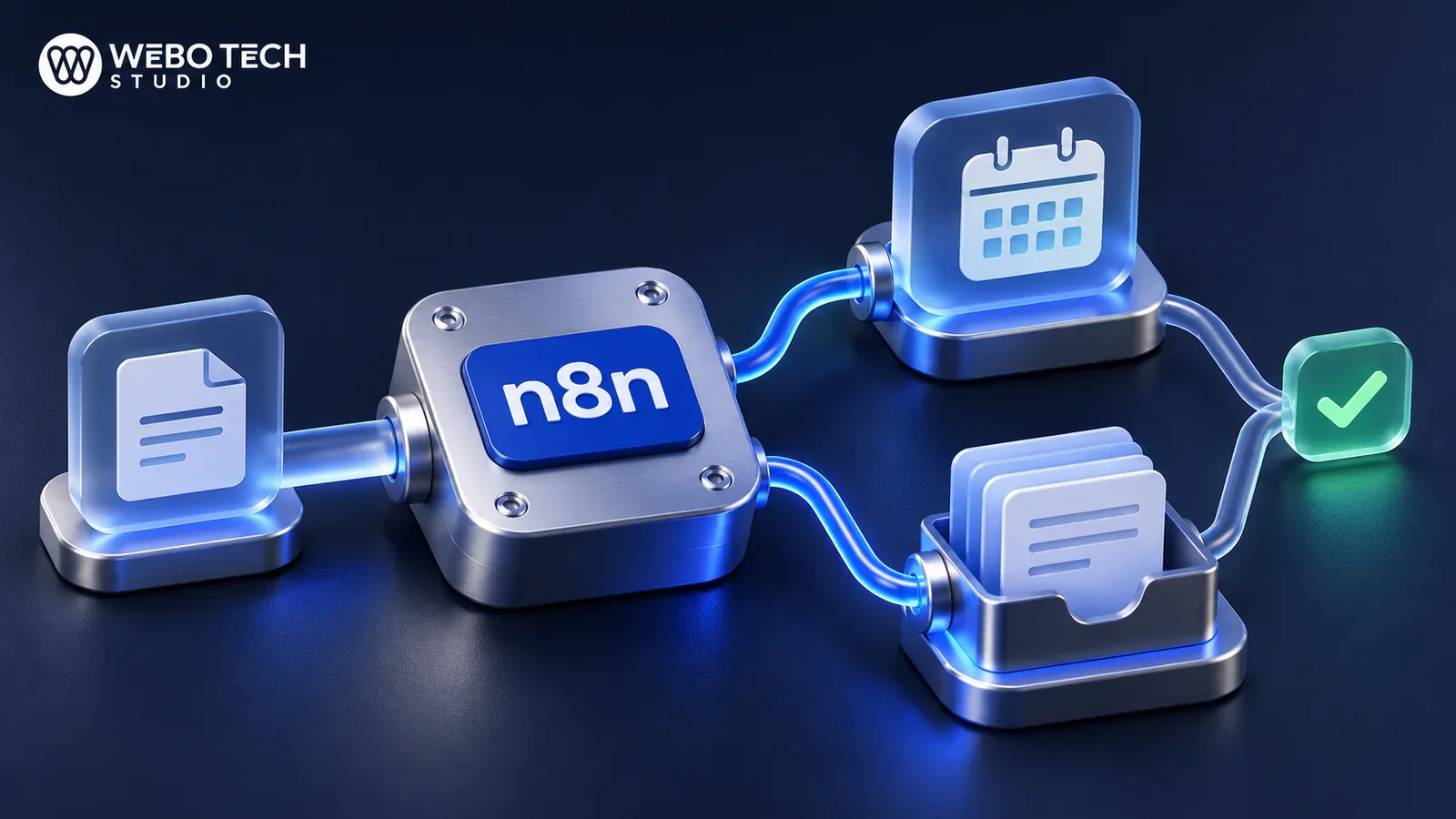
n8n AI is the set of AI features inside n8n, a visual workflow tool. You connect a language model such as ChatGPT or Claude to your apps, give it tools and rules, and let it handle tasks like sorting support emails or qualifying leads. This guide covers what you can build, what it costs and where it breaks.
WeboTech Studio is a small senior studio that builds AI automation, AI integration and AI chatbots for businesses in Saudi Arabia, the GCC and worldwide. You work directly with the people building your workflow, from brief to launch and support. We agree a fixed price and written scope before work starts.
What n8n AI means
n8n describes itself as a platform that combines AI capabilities with business process automation, offering code flexibility with no-code speed (n8n). You build workflows by joining nodes on a canvas. Each node does one job: receive a form, call an API, ask a model, write to a sheet.
The phrase "n8n AI agent" gets used loosely. Sometimes it means one node. Sometimes it means a whole workflow. We use the terms below, so you can tell which one a tutorial is describing.
| Term | What it is | Good for |
|---|---|---|
| LLM chain | One prompt in, one answer out | Summaries, rewrites, classification |
| AI Agent node | A pre-built node that can decide and call tools | Tasks with several steps or choices |
| Agentic workflow | The full flow around the agent: intake, checks, actions | A real business process |
An n8n AI agent is a component inside a workflow that uses AI to decide, generate outputs or steer execution (UI Bakery). The AI Agent node is pre-built in the visual editor and differs from a basic LLM chain, which makes a single prompt and response round trip (nexos.ai).
Models and tools it connects to
n8n advertises 500+ native integrations, any API through HTTP, and any agent or coding assistant through MCP (n8n). It has also turned most core LangChain components into visual nodes, and advanced users can add JavaScript (n8n blog). In practice that means you can pair a model with your CRM, email, spreadsheets and databases without writing a custom integration for each.
What you can build
Common agent use cases include customer support, lead qualification, email management, document processing, meeting summaries, CRM updates and internal knowledge retrieval (Entrans). Here is how each looks in business terms.
- Support triage. A message arrives, the model reads it, tags the topic and urgency, drafts a reply and routes it. A person approves anything sensitive.
- Lead qualification. A form submission is checked against your criteria, enriched, scored and written to the CRM. Sales gets a short summary instead of a raw form.
- Document and email processing. Invoices, enquiries or contracts are read, key fields are pulled out and the data lands in a sheet or database.
- Internal knowledge assistant. The model answers staff questions from your own documents, using retrieval from a vector store.
- Messaging bots. WhatsApp, Telegram or Slack becomes the front door. See our guide to a WhatsApp AI chatbot for business.
- Scheduled reports. Each Monday the workflow pulls numbers, asks the model to write a plain summary and emails it.
Which processes are worth automating
Most tutorials show you how to build. Few tell you what to build first. Judge each candidate on three things: outcome, risk and effort.
- Outcome: does it save repeated hours or speed up a reply that costs you customers?
- Risk: what happens if the model is wrong? A mislabelled email is cheap. A wrong refund is not.
- Effort: how many systems does it touch, and are their APIs open?
Start with high-volume, low-risk, well-defined work. Leave open-ended judgement calls and anything with legal weight until you have a track record and approval steps in place.
How a reliable AI workflow is structured
A demo that works once is not a business process. A pattern suggested in the n8n community runs in this order: intake and validation, guardrails, the AI step, output validation, then routing or action. It also recommends retries, an error workflow with a human fallback and prompt logging (n8n Community).
Guardrails and human approval
n8n supports human-in-the-loop approvals and structured inputs and outputs for AI actions (n8n). Use both. Force the model to return a fixed format, check it before acting, and require a person to approve anything that sends money, deletes data or speaks for your brand.
Logging and testing
Log each prompt and each answer. When a customer says the bot told them something odd, you need the record. Test with real, messy examples from your inbox, not clean samples. Rerun them whenever you change a prompt or swap a model.
Where WeboTech Studio fits
n8n gives you the engine. The harder part is turning an idea into a workflow your team can trust. That is the work we do under AI automation and AI integration, using models such as ChatGPT and Claude.
We also build what sits around the automation. Forms, landing pages and chat front ends can run on Next.js and React or WordPress. Back-office tools that feed or read your workflows can be custom web apps. You deal with senior people directly, with no account manager in between.
We work with clients globally, in English and Arabic, by video call and WhatsApp. Our brief does not list n8n certification, so we do not claim it. What we offer is AI automation and integration work, a written scope, and support after launch. If n8n is the right tool, we can say so after a call. If another tool fits better, we will tell you. Our comparison of n8n and Zapier shows how we weigh that choice.
Is n8n free
Partly. The Community Edition is free to self-host under the Sustainable Use License, a fair-code licence that is not OSI open source. Use is limited to internal business or non-commercial purposes (SSD Nodes, TechJack Solutions). Check the licence before you build a product on top of it.
Community, Cloud and Business
One third-party tracker lists Cloud Starter at about €20 a month and Pro at about €50 a month on annual billing, with Business at about €667 a month annual and self-hosted only (n8nmarkets). Treat these as market figures that change, and confirm on n8n's own pricing page. Business adds SSO, SAML and LDAP, Git version control and separate dev, staging and production environments.
Hidden costs of self-hosting
Self-hosting removes the licence fee, not the cost. You pay for a server, backups, updates, security and someone to watch it. Queue mode needs PostgreSQL and Redis, and memory exhaustion on large payloads is a common failure on undersized servers (AffMaven). Add model usage fees on top, since the AI provider bills separately.
Do you need to code
No, for simple flows. The visual editor lets a non-developer connect a form, a model and a sheet in an afternoon. You will want code or a developer when you need custom logic, large data handling, tight security, or your own app in the loop.
A useful test: if you can describe the process as five plain steps and every step has a ready node, try it yourself. If you keep saying "it depends", bring in help.
DIY or hire a builder
Use this checklist.
- Does the workflow touch customer data, payments or legal content? Lean towards a builder.
- Do you have someone who will own it after launch? If not, plan for support.
- Will it run on your own server? Then you need hosting, backups and monitoring.
- Is a wrong answer costly? You need guardrails and approvals designed in.
- Is it a single low-risk task? DIY is a fair start.
A builder costs money up front. A fragile workflow that fails quietly costs more later. Our guide to chatbot cost explains what moves the price of tools versus custom builds.
Where to start
Pick one process. Follow this plan.
- Write the process as plain steps and mark where a person must approve.
- Collect 20 real examples, including the awkward ones.
- Build the happy path with an LLM chain first. Add the AI Agent node only if the task needs choices or tools.
- Add validation, an error path and logging.
- Run it in shadow mode, where it drafts and a person sends.
- Switch to live only for the cases it handles well.
Getting this right
n8n AI is a strong tool when you pick the right process and build the safeguards. It is a poor shortcut when you skip them. Start small, log everything and keep a person in the loop where the stakes are high.
If you want a second opinion or a built workflow, Get a free quote and we will scope it in writing.
Founder and lead full stack developer, 6+ years building sites and web apps for clients worldwide. 230+ projects delivered, 4.9 on Fiverr and 5.0 on Upwork.
Frequently asked questions
What is n8n AI?
It is the AI side of n8n, a visual workflow tool. You connect language models to your apps, add tools and rules, and automate tasks such as support triage or lead scoring.
Is n8n really open source?
Not in the strict sense. The Community Edition is free to self-host under the Sustainable Use License, a fair-code licence that is not OSI open source and limits use to internal business or non-commercial purposes.
What is the difference between the AI Agent node and an LLM chain?
An LLM chain makes one prompt and response round trip. The AI Agent node is a pre-built component that can decide what to do and steer a workflow, which suits multi-step tasks.
Can n8n work with ChatGPT and Claude?
Yes, n8n connects to major language models and to 500+ integrations, plus any API through HTTP. Check n8n's integration list for the exact model you want.
Should I self-host n8n or use Cloud?
Cloud is simpler because n8n runs the servers. Self-hosting removes the licence fee but adds hosting, updates, backups and security work, so pick it only if you can maintain it or pay someone to.

Saqib founded WeboTech Studio and has spent 6+ years building websites, web apps and AI tools for clients worldwide. 230+ projects delivered. He writes about web, SEO and AI from real client work.
View profile