A WhatsApp AI chatbot reads a customer's message to your business number and writes a reply from your own material: your FAQs, product data, prices and booking rules. The older kind is a fixed button menu. The AI kind understands free text, but it must be built for your business, not as an open-ended assistant. eesel describes the same split.
WeboTech Studio builds this kind of bot. We make AI chatbots and automation as purpose-built business agents, wired into your website, orders and booking systems, with human handoff. You work directly with the senior developer who builds it, from brief to launch and support. See our AI chatbots service for the details.
What a WhatsApp AI chatbot is
Think of it as a front desk that never sleeps. A customer writes in their own words. The bot finds the right answer in your content, replies, and passes the chat to a person when it should.
Three things get mixed up, so here is the difference.
| Option | How it replies | Where it runs | Best for |
|---|---|---|---|
| WhatsApp Business app | Quick replies and away messages you write | Consumer-style app | Very small shops with low volume |
| Button-menu bot | Fixed decision tree | Business Platform (API) | Simple, predictable flows |
| AI chatbot | Reads free text, answers from your content | Business Platform (API) | Support, orders, leads, booking |
An AI chatbot needs the WhatsApp Business Platform, usually through a Business Solution Provider. It cannot run on the consumer app.
A note for personal-use searchers
If you want a personal "ChatGPT on WhatsApp" assistant for yourself, that is a different product from a business bot. This guide covers bots that answer customers on a business number.
How it works under the hood
The pieces are simple. The care goes into connecting them.
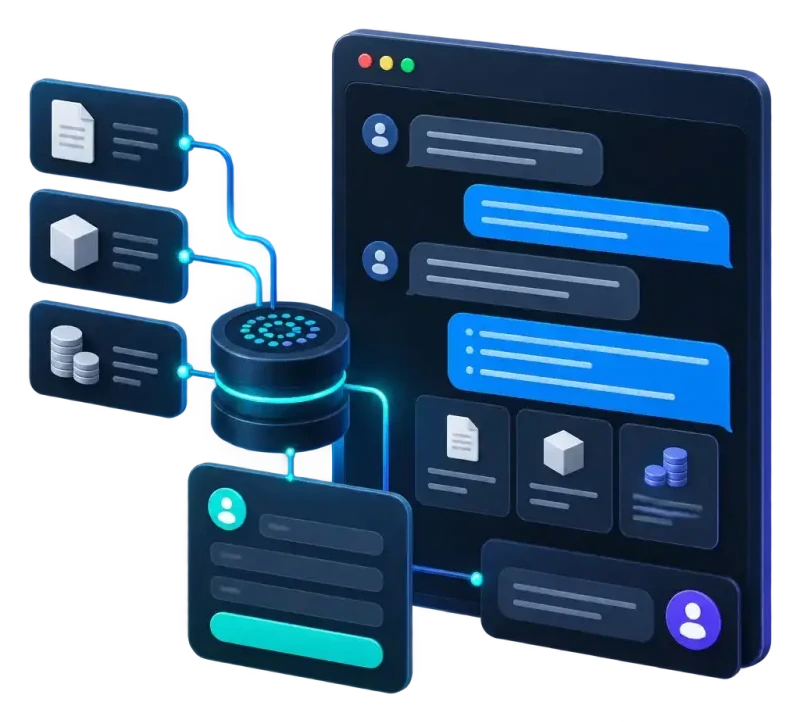
- A customer sends a message to your verified business number.
- WhatsApp passes it to your server through a webhook.
- Your server sends the message, plus the chat history, to an AI model.
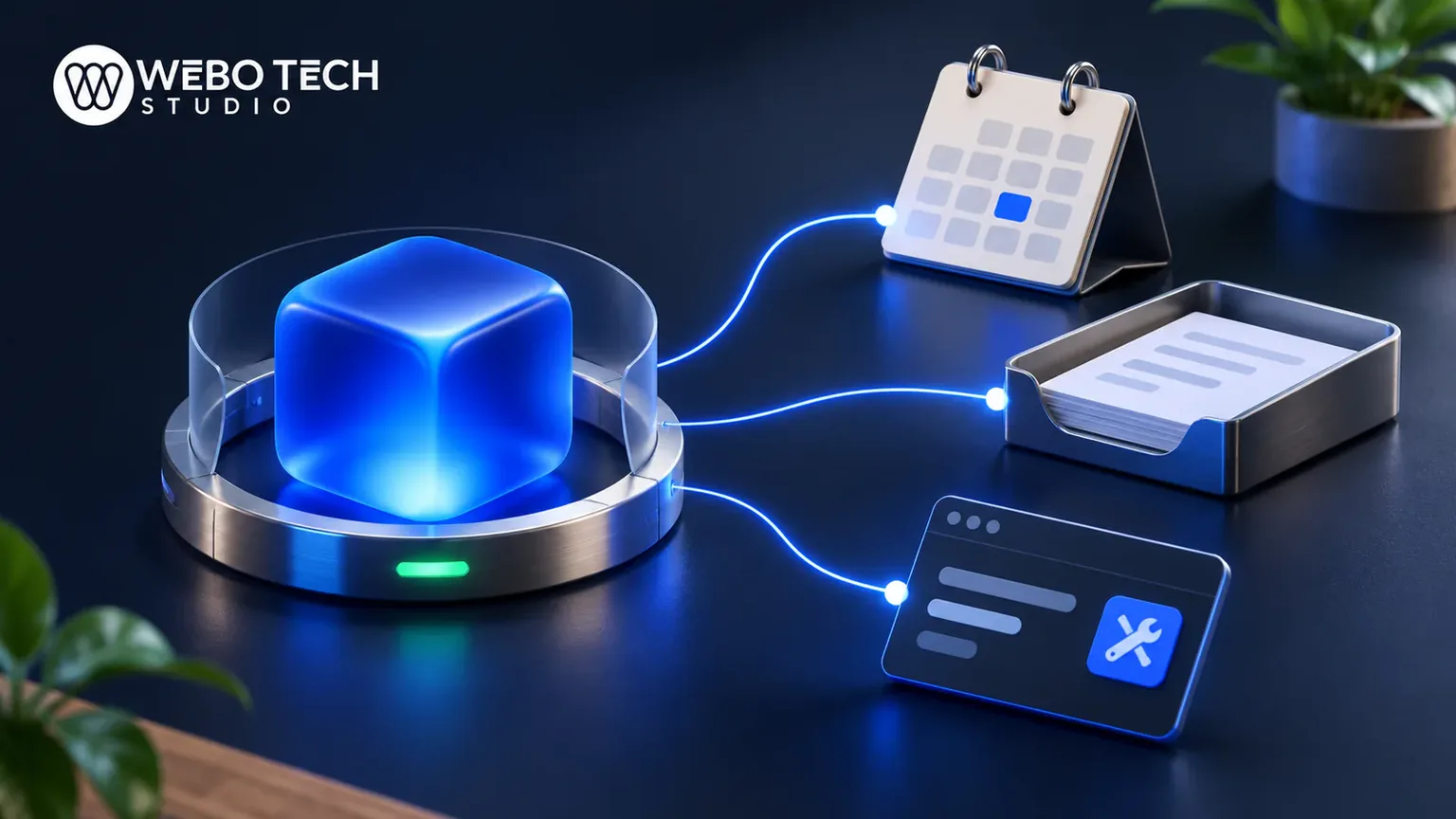
- The model looks up answers in your knowledge base and calls tools, such as an order lookup or a booking calendar.
- The reply goes back to the customer through the Business Platform.
- If the bot is unsure or the customer asks for a person, the chat goes to your team.
A public example of this pattern is an open-source GPT-based WhatsApp bot with retrieval and tool support. It shows the shape. A production bot adds logging, guardrails and your systems.
The 24-hour window and templates
When a customer writes first, you can reply freely for 24 hours. Outside that window, you can only message them with a Meta-approved template. Plan follow-ups, reminders and order updates as templates, and collect opt-in before you send them.
Human handoff
Build handoff from day one. Triggers should include a request for a person, an angry customer, a payment problem and any question the bot cannot ground in your content. Pass the full chat history so the customer never repeats themselves.
What Meta's 2026 rules allow
This is the part many pages get wrong. Meta did not ban AI on WhatsApp. It banned general-purpose assistants. Meta bans open-ended, ChatGPT-style chatbots from the Business Platform from January 15, 2026, while purpose-built business bots stay allowed. The rule applied at once to new accounts registered on or after October 15, 2025.
For US businesses, the exceptions do not apply. Only Brazil, Italy and the EEA are treated differently, so plan as if the ban covers you.
| Allowed | Not allowed |
|---|---|
| Answering questions about your products and policies | Open-ended chat about any topic |
| Order status, returns, delivery questions | Acting as a general writing or homework assistant |
| Lead qualification and booking | Offering the model as a product in its own right |
| Handoff to a human | Answering far outside your business scope |
A short compliance checklist
- The bot has one clear business purpose.
- It declines off-topic questions politely.
- It says it is an AI at the start of the chat.
- Customers opted in before you message them.
- Messages outside the 24-hour window use approved templates.
- A person can take over at any time.
Rules change, so check Meta's current documentation before launch.
What to build: use cases that work
Start narrow. One job done well beats ten done badly.
Support and FAQ
The bot answers opening hours, shipping, returns and how-to questions from your own pages. This is the safest first build because the answers already exist.
Order status and e-commerce
The bot checks an order number against your store and replies with status and tracking. This needs a connection to your shop. We build that on WooCommerce and e-commerce stores, so product and order data is clean enough for the bot to trust.
Lead qualification and booking
The bot asks two or three questions, checks the answers against your criteria, and books a slot or alerts your sales team. It should write the lead into your CRM, not leave it in a chat.
What not to automate
Keep people on refund disputes, complaints, legal questions, medical advice and anything where a wrong answer costs real money. Never let the bot invent prices. It should quote only from your price data, or say it will check.
Why WeboTech Studio
Most bot vendors sell a tool. We build the bot around your business. That matters under the 2026 rules, because a purpose-built agent is the kind Meta allows.
- We build AI chatbots and automation with real AI integration using ChatGPT and Claude.
- We build the backend as custom web apps and dashboards, so the bot connects to your orders, bookings and CRM.
- You get a fixed price and a written scope before work starts.
- You deal with the senior team, with no account managers or hand-offs.
- Clients rate us 4.9 on Fiverr and 5.0 on Upwork across 153 reviews, and we support the bot after launch.
We work mainly in Saudi Arabia and the GCC and serve clients worldwide, so we can handle English and Arabic conversations on the same bot. For pricing, tell us what you want the bot to do and we quote after a call.
What it costs
Expect four cost lines. Verify every number against Meta's own pricing page before you budget, because the figures below come from secondary reports.
Meta fees
Meta moved from conversation-based to per-message pricing on 1 July 2025. From 1 October 2026, service messages are charged after 1,000 free delivered service messages per number each month. For US and Canada numbers, one report lists marketing messages at $0.025 and utility, authentication or service messages at $0.0034. Treat those as reported rates, not a quote.
AI model usage
Each reply costs model tokens. Meta's own Business Agent is priced at $2.00 per million tokens, which Meta estimates at about 4 to 5 cents per message. Meta's non-template pricing page estimates about 2 cents per message for a lower-complexity third-party agent and about 9 cents for a higher-complexity one. Longer chats and more tool calls cost more.
Build and platform costs
There is the provider or platform fee, hosting, and the build itself. One source puts a custom build at US$12,000 to 50,000 at a small studio. That is a single unverified estimate. What moves the price is the number of systems the bot connects to, how many languages it handles, and how much content needs cleaning first. We do not quote a figure here: you get a fixed-scope quote after a call. Our post on chatbot cost for small business compares tools and custom builds.
A worked monthly example
Take a shop with 3,000 customer-initiated chats a month, using the reported rates above. Treat it as an illustration, not a forecast.
- Meta fees: if each chat counts as one service message, 3,000 minus 1,000 free leaves 2,000 at $0.0034, about $6.80.
- AI usage: at 2 to 9 cents per message, and say two AI replies per chat (6,000 replies), that is roughly $120 to $540.
- Templates for reminders: 500 utility messages at $0.0034 is about $1.70. 200 marketing messages at $0.025 is $5.
The lesson: model usage, not Meta's fee, is usually the bigger line. Short, grounded answers keep it down.
Build, buy or use Meta's own agent
| Route | Strength | Trade-off |
|---|---|---|
| No-code tool | Fast to start, low upfront cost | Limited integrations, per-seat or per-chat fees, you adapt to the tool |
| Meta's Business Agent | Native, simple | Less control over tools and your own systems |
| Custom build | Wired to your site, orders and CRM, your rules | Higher upfront cost, needs a good developer |
If your bot only answers FAQs, a tool may be enough. If it needs to read orders, book appointments or write to your CRM, a custom build usually pays off. Our guide on whether you need an AI agent or a chatbot helps you decide.
Build steps and launch checklist
Here is the order we follow.
- Define the one job the bot does and the handoff rules.
- Gather and clean your content: FAQs, policies, price lists.
- Register the Business Platform number and verify your business.
- Build the retrieval layer so answers come from your content.
- Connect tools: orders, calendar, CRM.
- Write templates and get them approved.
- Test with real past questions, then soft launch.
Grounding the bot in your content
The bot should answer only from your knowledge base and live data. If the answer is not there, it says so and hands off. This is the main defence against invented prices and policies.
Guardrails and AI disclosure
Set a narrow system prompt, block off-topic requests, and open each chat with a plain note that the customer is talking to an AI with a way to reach a person. Arabic and other languages need testing on their own, not just translation.
Testing, KPIs and iteration
Test 50 to 100 real questions before launch. After launch, track resolution rate without handoff, handoff rate, wrong-answer reports, response time and leads or bookings captured. Review transcripts weekly for the first month and fix the content, not just the prompt.
Frequently asked questions
Does WhatsApp Business have a built-in AI chatbot?
The free WhatsApp Business app has quick replies and away messages, not a true AI chatbot. For an AI bot you need the WhatsApp Business Platform, usually through a Business Solution Provider. Meta also offers its own Business Agent, priced per token.
Is WhatsApp banning AI chatbots?
No. Meta bans general-purpose, open-ended assistants from the Business Platform from January 15, 2026. Purpose-built business bots that handle support, orders, leads and booking are still allowed.
Can I connect ChatGPT to my WhatsApp business number?
You can use a model like ChatGPT behind a business bot, as long as the bot has a clear business purpose and stays on topic. You cannot offer it as an open-ended assistant on the Business Platform.
Can a WhatsApp chatbot qualify leads and hand off to a human?
Yes. The bot can ask screening questions, write the answers into your CRM and book a slot. It should pass the chat to a person when the customer asks or when it cannot answer from your content.

Saqib founded WeboTech Studio and has spent 6+ years building websites, web apps and AI tools for clients worldwide. 230+ projects delivered. He writes about web, SEO and AI from real client work.
View profile